


Skip to content
Login/Register
DenzwoodDenzwood
  • Home
  • All Courses
  • Blog
  • Pages
    • Instructor Details
    • Privacy Policy
    • Refund and Returns Policy
    • Terms & Condition
  • About Us
  • Dashboard
DenzwoodDenzwood
  • Home
  • All Courses
  • Blog
  • Pages
    • Instructor Details
    • Privacy Policy
    • Refund and Returns Policy
    • Terms & Condition
  • About Us
  • Dashboard
  • Home
  • Course
  • camera and seequencer in unreal engine

camera and seequencer in unreal engine

  • By AKSHAI
  • (0 Rating)
Breadcrumb Abstract Shape
  • Course Info
  • Reviews
  • More
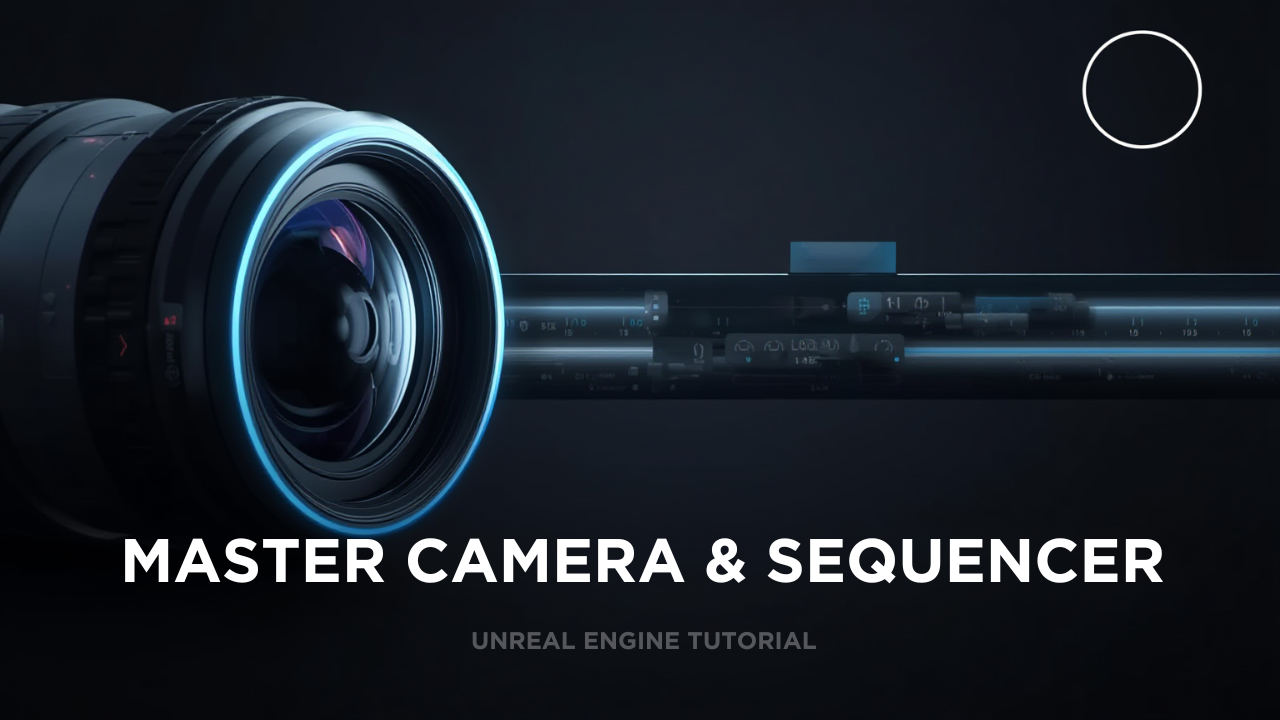
    • This course teaches you how to create high-quality cinematic shots, camera animations, and professional sequences inside Unreal Engine using the Cine Camera and Sequencer.
      Whether you are a filmmaker, game developer, VFX artist, or Unreal beginner, this course gives you all the tools to produce stunning visuals without touching a real camera.

      You will learn how to plan, shoot, animate, and edit your scenes entirely inside Unreal Engine — just like a virtual film set.

      Module 1 – Introduction to Virtual Cinematography

      • Understanding Unreal Engine for filmmaking

      • What is Sequencer?

      • Real-world film terminology explained for beginners

      Module 2 – Mastering Cine Cameras

      • Types of cameras in Unreal Engine

      • Camera settings: focal length, aperture, depth of field

      • Realistic camera movements: dolly, crane, handheld, tracking

      • Using camera rigs & tools (Rail Rig, Crane Rig, Camera Shake)

      Module 3 – Sequencer Essentials

      • Creating a new sequence

      • Adding tracks, keys & control points

      • Animating objects, lights, cameras & characters

      • Understanding timelines, frames & interpolation

      Module 4 – Advanced Cinematic Techniques

      • Multi-camera setup & switching

      • Focus control: manual vs. tracked focus

      • Using constraints for complex shots

      • Motion blur, exposure, and look creation

      Module 5 – Lighting & Atmosphere for Cinematics

      • Film-style lighting inside Unreal

      • Adding fog, volumetrics & mood

      • Building dramatic and realistic scenes

      Module 6 – Rendering Your Cinematic

      • High-quality output settings

      • Movie Render Queue workflow

      • Rendering in EXR, PNG, or video formats

      • Tips to eliminate noise, flicker & artifacts

      Module 7 – Final Project

      Create your own short cinematic sequence using:

      • Camera movement

      • Lighting setup

      • Sequencer animation

      • Professional rendering


      Show More
      What Will You Learn?
      • essential course information- in additoinal page

      Material Includes

      • Materials Included- in additoinal page

      Requirements

      • Requirements/Instructions- in additoinal page

      Audience

      • Target Audience information- in additoinal page

      Course Content

      Module 1 – Introduction to Virtual Cinematography
      Understanding Unreal Engine for filmmaking What is Sequencer? Real-world film terminology explained for beginners

      • test course
        00:17
      • demo quiz test

      Module 2 – Mastering Cine Cameras
      Types of cameras in Unreal Engine Camera settings: focal length, aperture, depth of field Realistic camera movements: dolly, crane, handheld, tracking Using camera rigs & tools (Rail Rig, Crane Rig, Camera Shake)

      • test course 2
        00:17

      Module 3 – Sequencer Essentials
      Creating a new sequence Adding tracks, keys & control points Animating objects, lights, cameras & characters Understanding timelines, frames & interpolation

      Module 4 – Advanced Cinematic Techniques
      Multi-camera setup & switching Focus control: manual vs. tracked focus Using constraints for complex shots Motion blur, exposure, and look creation

      Module 5 – Lighting & Atmosphere for Cinematics
      Film-style lighting inside Unreal Adding fog, volumetrics & mood Building dramatic and realistic scenes

      Module 6 – Rendering Your Cinematic
      High-quality output settings Movie Render Queue workflow Rendering in EXR, PNG, or video formats Tips to eliminate noise, flicker & artifacts

      Module 7 – Final Project
      Create your own short cinematic sequence using: Camera movement Lighting setup Sequencer animation Professional rendering

      Student Ratings & Reviews

      No Review Yet
      No Review Yet

      Course Includes:

      • Price:Free
      • Duration: 3 hours
      • Lessons:2
      • Level:Intermediate
      Start Learning
      Wishlist

      Share On:

      cropped-denzwoodlogo.jpg


      Call: +91 94 00 44 66 24
      Email: academydenz@gmail.com

      • About
      • Course
      • Instructor
      • Events
      • Instructor Details
      • Purchase Guide

      Contact Us

      Enter your email address to register to our newsletter subscription

      Icon-facebook Icon-linkedin2 Icon-instagram Icon-twitter Icon-youtube
      © Copyright 2026 Denzwood Inc. All Rights Reserved
      DenzwoodDenzwood
      Sign inSign up

      Sign in

      Don’t have an account? Sign up
      Lost your password?

      Sign up

      Already have an account? Sign in
      Hi, Welcome back!
      Forgot Password?
      Don't have an account?  Register Now